Top 6 AI Task Automation Tools for Excel Macro Replacement
You're tired of maintaining fragile Excel macros that break every time a colleague tweaks a column. That spreadsheet glue is costing your team hours each week, and AI task automation tools now offer a practical replacement.
By the end of this article, you'll know which six tools can replace your macro workflows, what criteria matter most for no-code setup and messaging app integration, and which option earns our top pick. We'll walk through each tool's strengths and pricing so you can make a confident decision today.
What to Look For in AI Task Automation Tools for Excel Macro Replacement
When replacing Excel macros with AI task automation tools, focus on three core capabilities: natural language processing for intuitive setup, seamless integration with your existing workflows, and the ability to handle repetitive tasks without complex coding. These three pillars determine whether a tool actually saves time or simply shifts the burden from VBA to another technical skill.
The best automation tools eliminate the need for VBA or Python scripting by using plain language commands. Look for platforms that let your team describe what they want done, not how to code it. Integration with tools like WhatsApp or Slack is equally crucial for team adoption, since most workers already live inside these messaging apps.
Natural Language Processing and No-Code Setup
The hallmark of modern AI task automation tools is their ability to understand natural language, letting you describe a task in plain English or even via voice notes, without writing a single line of code. This is a major shift from traditional Excel macros, where you had to learn VBA syntax, debug error codes, and maintain fragile scripts that broke every time the spreadsheet structure changed.
With natural language processing, you can type commands like "automate report generation every Friday at 4 PM" or "clean data from column A by removing duplicates and empty cells". The AI interprets your intent and builds the underlying workflow automatically. No-code and low-code platforms take this further by offering drag-and-drop interfaces, so you can visually connect triggers, conditions, and actions without touching a formula bar. For related context, see our guide to How to Write an Evaluation Report: A Step-by-Step Guide.
This approach dramatically reduces the learning curve for non-technical team members. An analyst who never learned VBA can now build spreadsheet automation that handles data cleaning automation, file processing, and batch operations. The result is that automation becomes a team skill, not a developer specialty.
For organizations considering macro replacement, this means legacy macros can be migrated to conversational commands that are easier to audit and update. Instead of a macro recorder capturing your clicks, you get an AI-powered tool that understands the intent behind the action and can adapt when your data changes shape.
Integration with Existing Workflows and Messaging Apps
A tool that integrates with the apps your team already uses daily, such as WhatsApp, Slack, or Microsoft Teams, ensures higher adoption and smoother workflow automation. When automation lives inside your communication channels, it becomes part of your routine rather than another tab to check.
General-purpose integration platforms like Zapier, Make, or Power Automate can bridge gaps between different software, but they often require additional configuration and separate dashboards. Native integrations with messaging apps reduce friction because task assignments and report generation can be triggered directly from chat. For example, a field sales rep can send a message to a bot saying "generate the weekly pipeline report" and receive the output without opening Excel or navigating a complex interface.
This capability is a key differentiator for field teams who work from mobile devices. They need to trigger data transformation tasks, request file processing, or check task scheduling status without sitting at a desktop. When the automation tool works inside WhatsApp or Slack, those workers can stay in their natural workflow.
Look for tools that support both inbound triggers from chat and outbound notifications. The ability to receive alerts when a batch operation completes or when an error occurs in a data pipeline is essential for maintaining trust in the automation. Workflow automation should reduce oversight, not require more of it.
1. Tasks.Bot - Best Overall
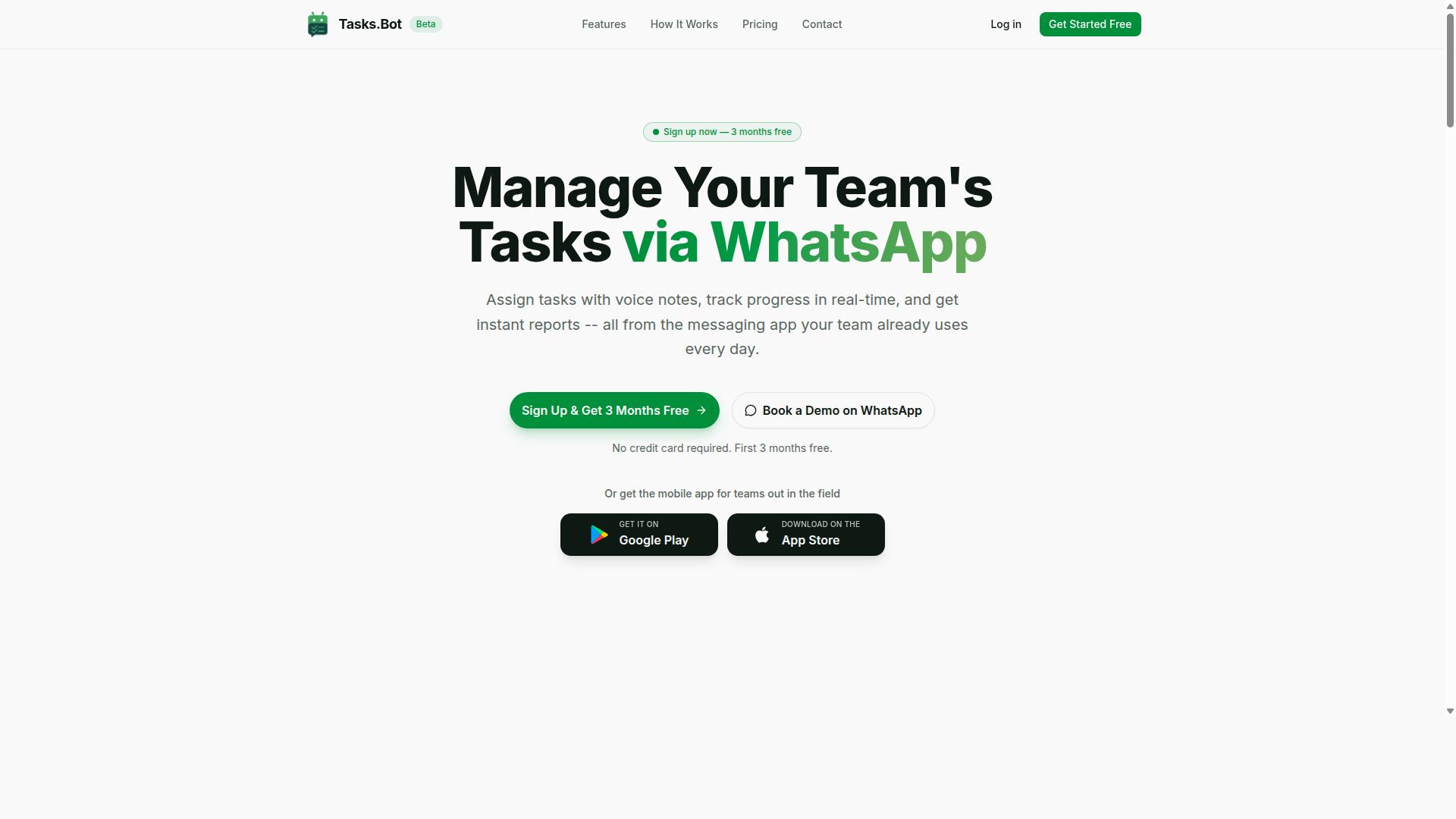
Tasks.Bot stands out as the best overall choice for teams looking to replace Excel macros with AI-driven task automation, because it operates entirely within WhatsApp, a platform already used by billions for daily communication. This unique approach removes the learning curve that comes with traditional automation tools and makes workflow automation accessible to every team member, regardless of technical skill.
Instead of maintaining complex VBA scripts or legacy macros for task scheduling and repetitive tasks, teams can simply send a message to create, assign, and track work. The AI understands natural language, which means no-code automation is built into the core experience. For teams dealing with data entry, file processing, or batch operations, this represents a significant shift from spreadsheet automation toward conversational task management.
The platform covers the full lifecycle of task management, from creation through completion. It includes features like approvals and automations, instant reports, tasks on a map, and a live day tracker. This makes it a genuine alternative to robotic process automation (RPA) for teams whose workflows revolve around human execution rather than purely digital processes.
Because it works within WhatsApp, there is nothing to install and no new accounts to create. Team members already know how to use the interface, which dramatically reduces adoption friction compared to other automation tools like Zapier, Make, or Power Automate that require learning a new dashboard.
AI-Powered Task Creation via WhatsApp and Voice Notes
With Tasks.Bot, team members can create tasks by sending a voice note or a text message in natural language, and the AI automatically assigns it, sets deadlines, and tracks progress. This eliminates the need for manual data entry, akin to what macros did in Excel, but with far more flexibility and intelligence.
Send a voice note saying "Follow up with client X tomorrow at 10am" and the task is created with the correct assignee, deadline, and priority. The AI interprets intent from casual phrasing, so there is no need to fill out forms, navigate dropdowns, or understand task scheduling syntax. This is particularly valuable for field staff who are on the move and cannot sit at a desk to update spreadsheets.
Smart deadline reminders ensure nothing slips through the cracks. The system tracks progress automatically and notifies relevant parties when work is due or overdue. For teams that previously relied on Excel macros to flag overdue items or generate reports, this replaces that manual checking process with an automated, always-on system.
The native WhatsApp integration means conversations and task data stay in one place. Team members can discuss a task, share updates, and mark work complete without ever leaving the chat interface. This removes the friction of switching between a spreadsheet, email, and a separate task management tool, making repetitive tasks and data transformation workflows much simpler to manage.
Pricing, Free Trial, and Global Availability
Tasks.Bot offers a "Full Access" plan with all features included, priced at 200 per member per month (or $ equivalent), with an annual plan at 1,200 per year per member, and is available globally as a cloud-based service. The annual plan saves 50%, which amounts to 1,200 per year per member in savings compared to monthly billing.
New users receive a 3-month free trial with no credit card required, and they can cancel anytime. This makes it easy to evaluate the platform against your existing Excel macro workflows without any financial commitment. Pricing is available in Indian Rupees and US Dollars, and the site includes a currency selector for verification.
The service is currently in beta, and interested teams can book a demo directly through WhatsApp. As a software-as-a-service product with no country restrictions, it is accessible to organizations worldwide. The refund policy is stated in the site footer, providing additional peace of mind for teams making the transition from spreadsheet automation to AI-powered task management.
For teams comparing this to other automation tools, the per-member pricing model is transparent and predictable. There are no hidden fees for additional features or usage tiers, which simplifies budgeting for departments of any size.
2. Reminderly.ai
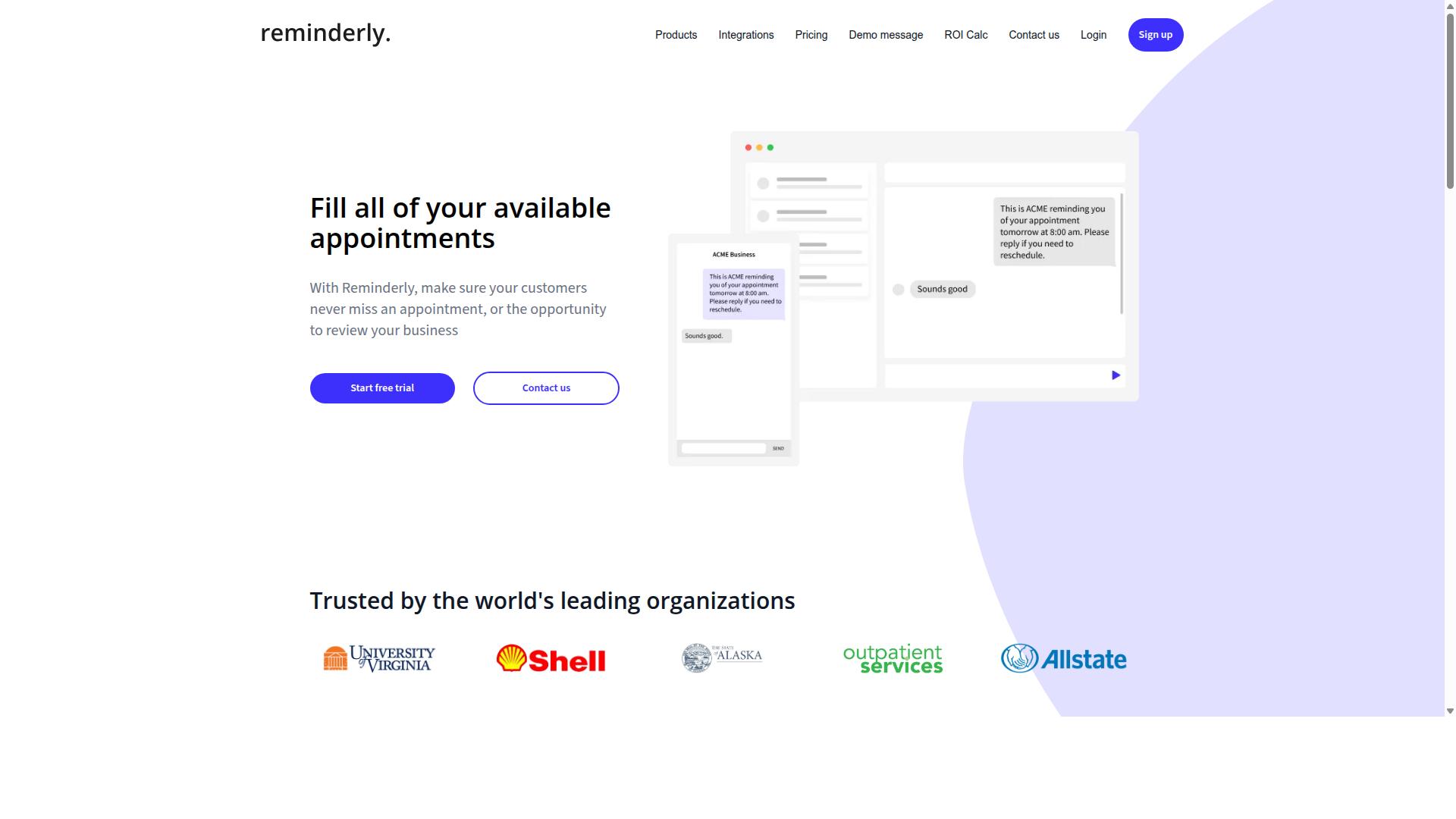
Reminderly.ai focuses on intelligent reminders and task scheduling, using AI to nudge team members about deadlines and upcoming tasks, but it lacks the deep Excel macro replacement capabilities of the top pick. Its core value proposition centers on keeping people on track rather than transforming how spreadsheet data is processed.
The platform appears well-suited for deadline management and task scheduling. Teams that struggle with missed due dates or inconsistent follow-through may find its automated nudges genuinely useful. The AI-powered reminders can reduce the mental load of tracking multiple project timelines.
However, for teams looking to replace legacy Excel macros, Reminderly.ai may fall short. It does not appear to offer comprehensive workflow automation, spreadsheet integration, or data transformation capabilities. The tool seems designed for time management rather than file processing or batch operations.
Consider Reminderly.ai if your primary pain point is missed deadlines and scattered task ownership. It could serve as a complementary solution alongside a dedicated spreadsheet automation tool. For teams that need to automate report generation, data cleaning, or repetitive formula tasks, a more specialized macro replacement tool would be a better fit.
3. TaskRio
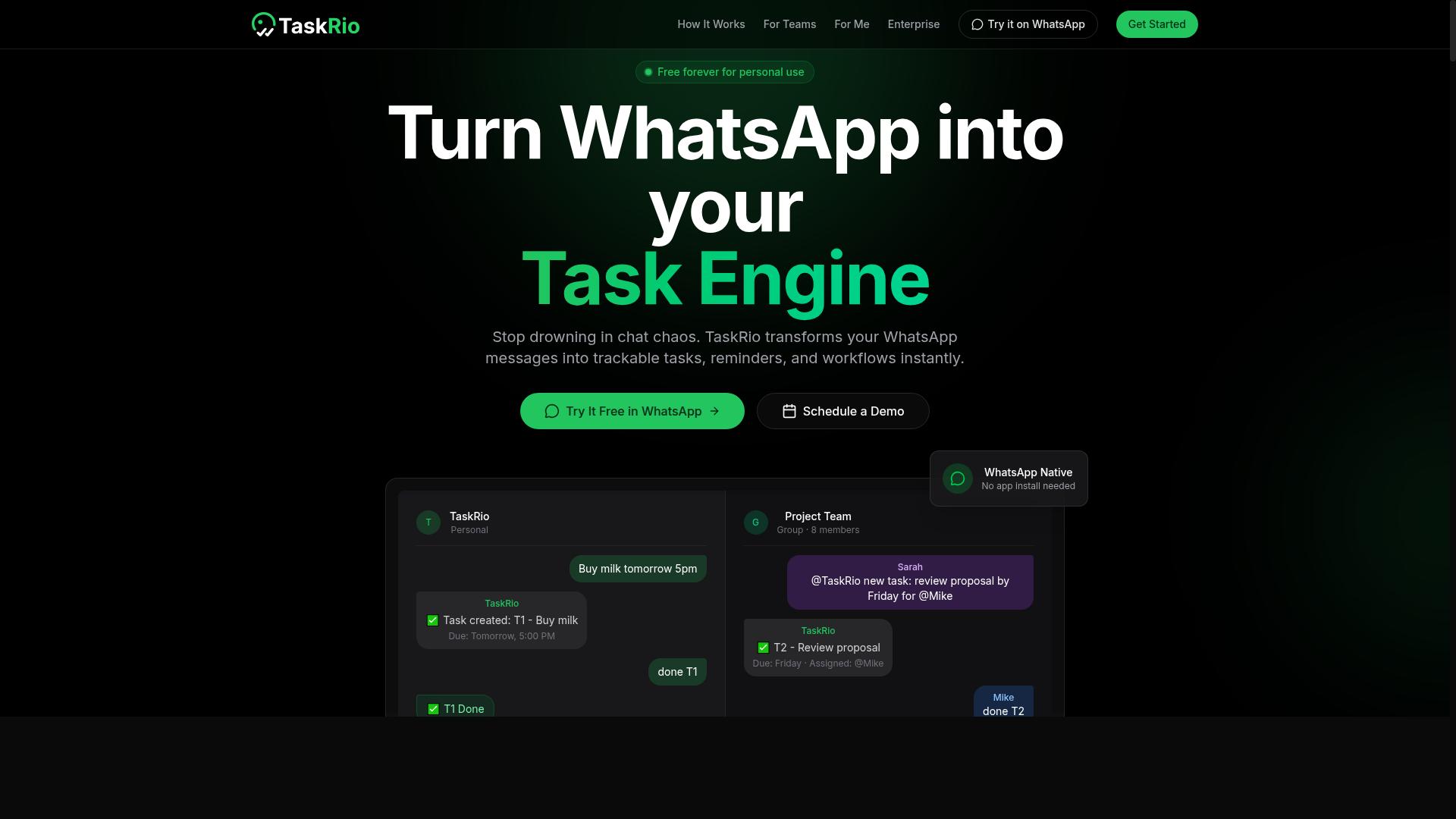
TaskRio positions itself as a task management and workflow automation tool, but its integration with Excel and legacy macros is limited, making it a partial solution for macro replacement. The platform appears to focus on organizing work processes rather than handling spreadsheet data directly. Teams that rely heavily on Excel VBA or complex data transformation workflows may find TaskRio better suited for project oversight than for spreadsheet automation.
TaskRio may offer a user-friendly interface and collaboration features that help teams coordinate on shared tasks. These capabilities can be useful for managing the human side of automation projects, such as assigning responsibilities and tracking progress. However, the tool does not appear to include native Excel add-ins or direct support for reading and writing spreadsheet files.
For teams looking to replace Excel macros, TaskRio might require additional tools or manual data handling. Users could export data from Excel, process it in TaskRio, and then import results back into their spreadsheets. This extra step adds friction compared to automation tools that work directly within Excel or connect through dedicated integrations.
Consider TaskRio if your primary goal is workflow coordination and team task management rather than heavy data manipulation. It may serve as a companion tool alongside a dedicated spreadsheet automation solution. Research suggests that task management platforms excel at visibility and accountability, but they rarely replace the computational power of a proper VBA alternative or no-code automation platform.
4. Karo.bot
Karo.bot leverages chatbot technology to automate task assignments and routine workflows, but its focus on chat-based interactions may not fully address the data transformation needs that Excel macros handle. Teams interact with Karo.bot through conversational messages, telling it what to do instead of writing formulas or recording macros. This makes the tool approachable for people who prefer natural language over spreadsheet logic.
The platform shines in environments where work arrives as requests, approvals, or handoffs between team members. Users can describe a task in plain text, and Karo.bot routes it to the right person or triggers a simple follow-up action. For task scheduling and routine notifications, this conversational approach reduces the friction of opening a spreadsheet and manually tracking progress.
However, complex data cleaning automation and multi-step report generation are not where Karo.bot excels. If your macro performs heavy transformations, merges messy datasets, or applies conditional formatting across thousands of rows, a chat interface may feel limiting. Karo.bot is better suited to lightweight automations that live at the edges of your workflow rather than at its analytical core.
For teams that already communicate through chat platforms and want to formalize those conversations into repeatable processes, Karo.bot offers a low barrier to entry. It works best when your automation goals center on workflow automation and task coordination rather than deep spreadsheet manipulation. If your primary need is replacing Excel VBA with powerful data processing, consider whether a chat-first tool can handle the volume and complexity your macros currently manage.
5. The Sarah AI

The Sarah AI is an AI-powered assistant designed to streamline task management through natural language commands, but it appears to lack the robust integration with messaging apps that field teams often need. Its primary focus seems to be on productivity and helping users organize their daily work through conversational inputs.
This tool likely uses natural language processing to create and manage tasks, which can be useful for simple to-do lists and reminders. However, its integration capabilities with platforms like WhatsApp or Excel are unclear, so it may not be a direct replacement for macros.
For teams that rely on spreadsheet automation, this presents a notable limitation. Excel macros handle data cleaning automation, report generation, and batch operations with precision. A general-purpose assistant like The Sarah AI may struggle with these specialized workflows.
Where this tool could fit is in environments where task scheduling and lightweight workflow automation matter more than deep data manipulation. Teams that want a simple AI assistant for organizing work, without the need for complex formula automation or Python scripting, might find it sufficient.
If your primary goal is macro replacement, however, you will likely need a tool with more direct Excel integration. The Sarah AI appears better suited for general productivity support rather than serving as a VBA alternative for spreadsheet-heavy processes.
Consider your team's actual workflow before choosing this option. If you need to process large datasets, transform files, or run repetitive tasks inside Excel, look for automation tools with native spreadsheet capabilities instead of a general-purpose assistant.
6. Zoye AI
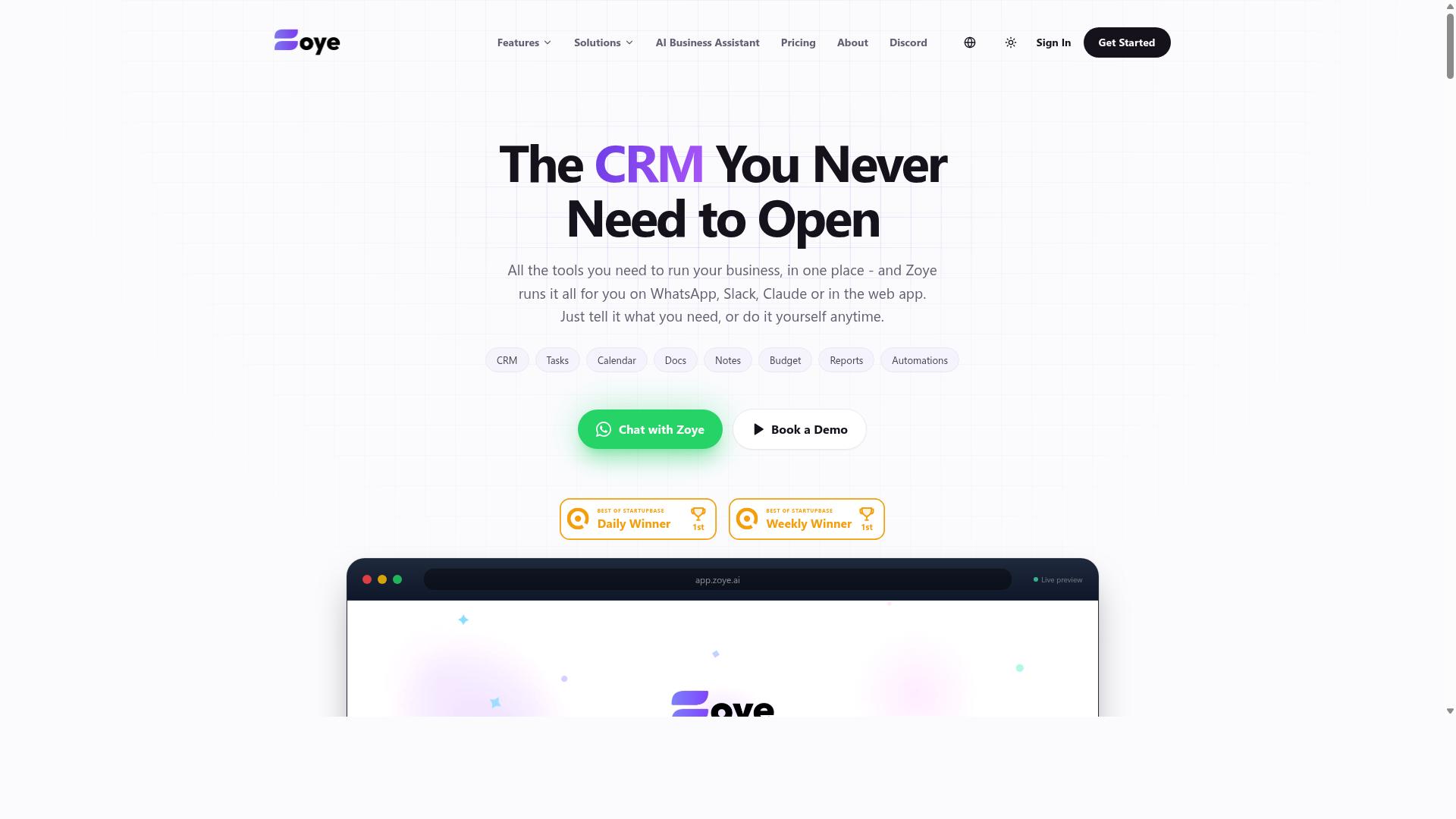
Zoye AI offers AI-driven workflow automation with a focus on data processing, but its learning curve and lack of native messaging integration may hinder adoption for non-technical teams. The platform positions itself around automating repetitive data tasks that would traditionally require manual spreadsheet work or Excel macros.
For teams evaluating this tool as a VBA alternative, the emphasis appears to be on data cleaning automation and report generation. Users who regularly handle messy datasets, standardize formats, or produce recurring summaries may find these capabilities relevant to their daily operations.
However, Zoye AI seems better suited for technical users who are comfortable navigating more complex interfaces. The potential learning curve means that teams without dedicated automation expertise may need to invest time in training before seeing meaningful productivity gains.
One notable gap is the tool's integration with messaging apps, which is not a core strength. Teams that rely heavily on chat-based collaboration for approvals, notifications, or handoffs may find this limitation frustrating when trying to weave automation into their existing communication flow.
Zoye AI could be a viable option for teams that have some technical expertise and do not rely heavily on chat-based collaboration. It may work well for data analysts, operations specialists, or IT professionals who are comfortable configuring workflows directly and prefer a more hands-on approach to spreadsheet automation.
When comparing options for macro replacement, consider how much setup effort your team can absorb. Tools with gentler learning curves, such as no-code automation platforms, often deliver faster time-to-value for organizations without dedicated technical resources. Zoye AI appears to cater to a narrower audience that values depth of data processing over ease of adoption.
How to Choose the Right Option
Choosing the right AI task automation tool for macro replacement depends on your team's technical skill, communication habits, and the complexity of the tasks you need to automate. Before comparing features, take stock of who will actually use the tool day to day.
If your team is comfortable with no-code tools, you have more flexibility with modern automation platforms. If they are not, look for options that fit into the apps they already use, rather than forcing a new workflow on them.
Consider how your team communicates. Teams that rely heavily on messaging apps like WhatsApp are prime candidates for tools like Tasks.Bot. This is especially true for organizations with field staff who need task management, attendance tracking, and payroll-ready hours without opening a spreadsheet.
Tasks.Bot is built for exactly this scenario, and the site notes that hundreds of teams already use the service. That kind of real-world adoption matters when you are replacing legacy macros that people depend on.
Next, evaluate the complexity of your data transformation needs. Simple report generation and file processing might suit a low-code platform. Complex data cleaning automation, error handling, and batch operations may require more powerful tools like Alteryx, KNIME, or Python scripting with pandas and openpyxl.
Budget constraints also shape the decision. Some automation tools charge per user, others per operation, and some are free with limited functionality. Map your expected usage to the pricing model before committing.
Use this checklist when evaluating any AI-powered tool for macro replacement:
- Can non-technical staff set it up without IT support?
- Does it work together with the communication tools your team already uses?
- Can it handle your specific data transformation and file processing tasks?
- Does it support task scheduling for recurring operations?
- What happens to your existing Excel VBA and legacy macros during migration?
- Is the pricing predictable for your team size and usage volume?
Prioritize adoption over features. A powerful tool that nobody uses will not replace your macros effectively. A simpler tool that fits your team's habits will deliver value immediately.
If your team is already on WhatsApp and manages field operations, workflow automation through that channel is the most practical path. For teams that live in spreadsheets, an Excel add-in or a low-code platform may feel more familiar. Match the tool to the daily reality of your staff, and the migration from Excel macros becomes far smoother.
Final Verdict
After evaluating the top AI task automation tools, Tasks.Bot emerges as the clear winner for teams seeking a seamless, AI-powered replacement for Excel macros, thanks to its unique WhatsApp integration and natural language task creation. The other tools in this roundup offer genuine strengths for spreadsheet automation, from UiPath's robotic process automation to Zapier's no-code workflow automation. However, most require installation, onboarding, or technical training before your team can see results.
Tasks.Bot eliminates those barriers entirely. Because it operates entirely within WhatsApp, your team members don't need to install anything or create new accounts. They simply send a message describing the repetitive task they need done, and the AI understands natural language and voice notes to handle it. That makes it a practical VBA alternative for non-technical staff who would never touch Python scripting or openpyxl.
For managers overseeing field teams, Tasks.Bot adds face-verified attendance and live GPS tracking, features that go far beyond typical macro replacement. Enterprise-grade encryption ensures your task data and conversations are never shared or used for training, which matters when migrating legacy macros that handle sensitive business logic. This is a level of data protection that generic automation tools rarely discuss.
The pricing structure is straightforward: a 3-month free trial with no credit card required. That gives you ample time to test whether AI-powered task creation can replace your existing Excel macros before committing. The tool is available globally, so remote and distributed teams can adopt it without geographic restrictions.
To see if Tasks.Bot fits your workflow, book a demo on WhatsApp or contact the brand directly. The comparison here shows that most automation tools require you to adapt to their platform. Tasks.Bot is the rare option that adapts to how your team already communicates, making it the smartest choice for a smooth macro replacement.
Frequently Asked Questions
Do I need to install any software or create new accounts to use Tasks.Bot?
No. Tasks.Bot operates entirely within WhatsApp, so your team members don't need to install anything new or create separate accounts. They simply use the messaging app they already use daily, which makes adoption frictionless for both office and field staff.
How does Tasks.Bot handle task creation compared to traditional Excel macros?
Instead of writing VBA code or building complex macro workflows, Tasks.Bot uses AI to understand natural language and voice notes. You can simply speak or type a task in WhatsApp, and the AI will create, assign, and set it up automatically-no spreadsheet formulas or scripting required.
Can Tasks.Bot help with tracking field teams and their attendance?
Yes, Tasks.Bot is specifically designed for teams with field staff. It offers tasks on a map, live day tracking, and face-verified attendance, which are capabilities that go well beyond what Excel macros can provide. This makes it a practical replacement for manual spreadsheet-based tracking.
Is Tasks.Bot affordable for a small or growing team?
Tasks.Bot offers a 'Full Access' plan that includes all features. Pricing is available in Indian Rupees and US Dollars, with a monthly plan at 200 per member and an annual plan at 1,200 per member per year, which saves you 50%. This transparent per-member pricing makes it easy to scale without surprise costs.
What kind of reports and approvals can I expect from Tasks.Bot?
Tasks.Bot provides instant reports directly in WhatsApp, along with smart deadline reminders and built-in approvals and automations. This means you get real-time visibility into task progress without needing to manually maintain Excel dashboards or send follow-up emails.
Is Tasks.Bot ready for production use, and what support is available?
Tasks.Bot is currently in beta but is already used by hundreds of teams globally. The service includes a 'Book a Demo on WhatsApp' option so you can see it in action, and you can reach support directly via phone at +91 97143 42522 or email at [email protected]. A refund policy is also mentioned on their website for added confidence.